How to Compress Video for Discord Free Online
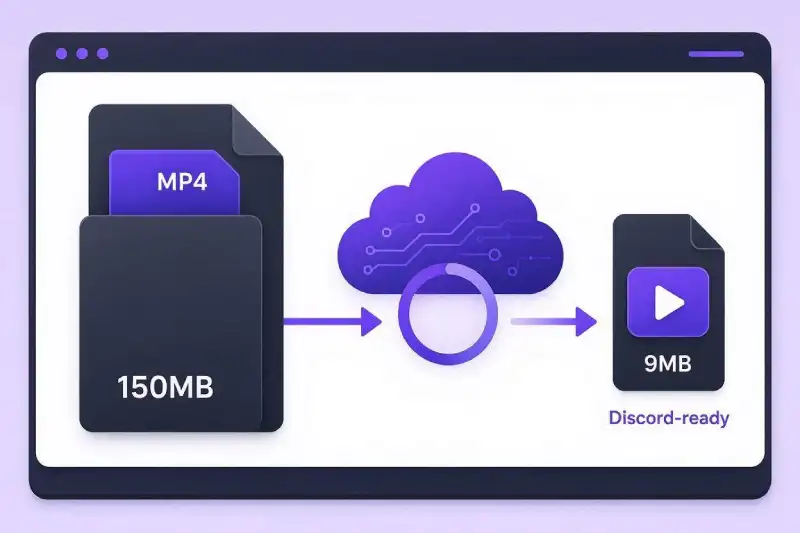
Trying to share a gaming clip or video on Discord only to be stopped by file limit popups? Learning how to compress video for discord free is the fastest way to bypass upload boundaries without sacrificing clip clarity.
Discord enforces strict file upload caps on non-Nitro accounts. Standard 1080p or 4K videos captured on smartphones or PCs easily exceed these limits. Fortunately, you can shrink video file sizes directly online without downloading heavy editing applications.
In this guide, you will learn the exact steps to compress your clips efficiently while retaining sharp visual fidelity and clean audio.
Why You Need to Compress Video for Discord Free
Discord limits file upload sizes to conserve server bandwidth and maintain smooth playback performance across channels.
- Free Account Limits: Standard Discord accounts cap file uploads at 10MB per message.
- Nitro Tiers: Discord Nitro Basic expands uploads up to 50MB, while full Nitro allows up to 500MB per file.
- Supported Formats: MP4 and WebM video files encoded with standard codecs stream most reliably inside Discord voice and text channels.
To review Discord’s official file policy, consult the Discord Support File Attachments FAQ. For more background on picking the right format for social platforms, check out our internal guide on MOV vs MP4: Which Format Should You Use?.
How to Compress Video for Discord Free in 3 Simple Steps
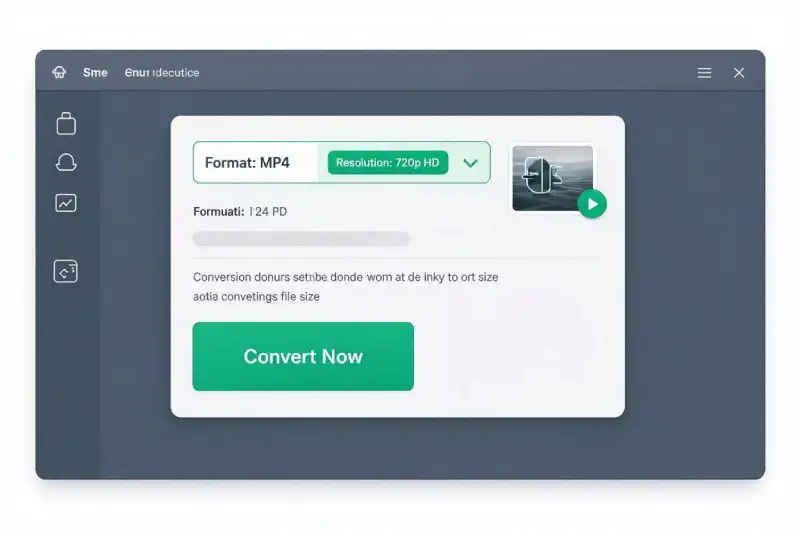
You can lower video file sizes directly in your web browser using our Free Online Video Converter.
Step 1: Upload Your Video File
Open the Free Video Converter Tool and drag your video file into the upload zone.
Step 2: Select MP4 Output and Lower Resolution
Select MP4 as your target output format. If your source file is significantly over the limit, adjust the resolution setting from 1080p down to 720p or lower the target video bitrate.
Step 3: Compress and Download
Click Convert. Once cloud processing finishes, click Download to save the Discord-ready file back to your device.
Technical Settings to Compress Video for Discord Free
When shrinking a clip, adjusting technical parameters helps maintain optimal video quality at smaller file sizes:
| Parameter | Recommended Setting | Reason for Setting |
| Video Codec | H.264 | Maximum visual quality at low bitrates with broad player support. |
| Audio Codec | AAC (128 kbps) | Preserves clear stereo audio while using minimal file space. |
| Target Resolution | 1280×720 (720p) | Reduces raw file size by roughly 50% vs 1080p with minimal perceived quality loss. |
For full technical specifications on the H.264 encoding standard, read the official Apple Developer H.264 Video Codec Documentation. If you also need to send large video clips through messaging apps or inbox services, refer to our companion guide on How to Compress Video for Email Uploads.
Frequently Asked Questions
What is the maximum file upload size for Discord without Nitro?
The free file upload limit on standard Discord accounts is 10MB. Files larger than 10MB must be compressed or shared via cloud storage links.
How do I compress video for Discord free without losing quality?
Using H.264 encoding and applying modest resolution scaling (such as 1080p to 720p) preserves visual clarity while fitting within tight file caps.
Can I compress videos for Discord on mobile devices?
Yes. Because our converter runs in web browsers like Chrome, Safari, and Firefox, you can compress files directly on iOS and Android without installing third-party apps.