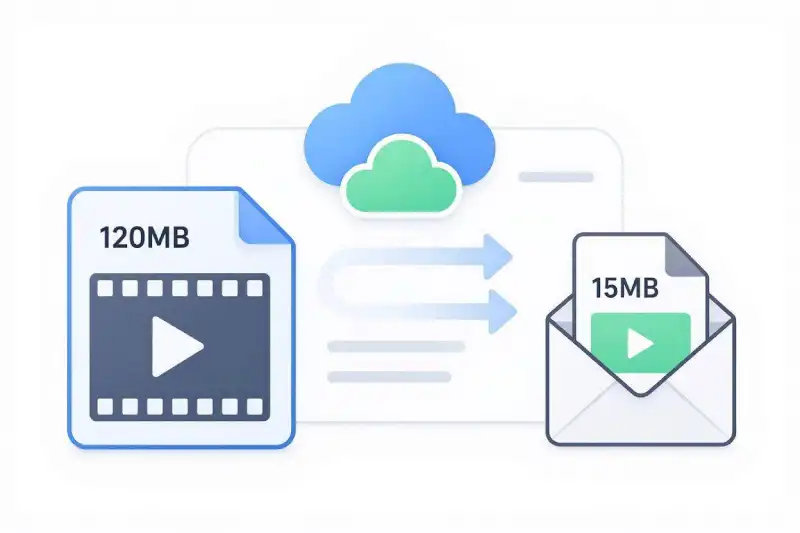
How to Compress Video for Email Free Online
Trying to email a quick video clip to a colleague or client only to see an error saying your file exceeds attachment limits? Learning how to compress video for email free is the fastest solution to shrink oversized media files so they send successfully on the first try.
Most major email providers enforce strict file attachment caps. High-definition 1080p and 4K clips recorded on modern smartphones easily exceed these thresholds. Fortunately, you can reduce video file sizes online without downloading complex editing tools or paying for file compression software.
In this guide, you will learn the exact steps to shrink your video files while keeping visuals crisp and audio clear.
Why You Need to Compress Video for Email Free
Email providers restrict file attachment sizes to prevent inbox bloat, conserve server bandwidth, and ensure messages load quickly for recipients.
- Gmail Attachment Limit: Google caps incoming and outgoing email attachments at 25MB.
- Microsoft Outlook Limit: Outlook and Exchange servers enforce a default attachment cap of 20MB.
- Yahoo and Apple Mail: Both services cap file attachments at 25MB per email.
When a video exceeds these size boundaries, email clients usually block the send request or force you to use cloud storage links. To review official attachment rules, check out the Google Gmail Attachment Size Limits Documentation.
For context on sending clips across social chat platforms as well, read our related guide on How to Compress Video for Discord Free.
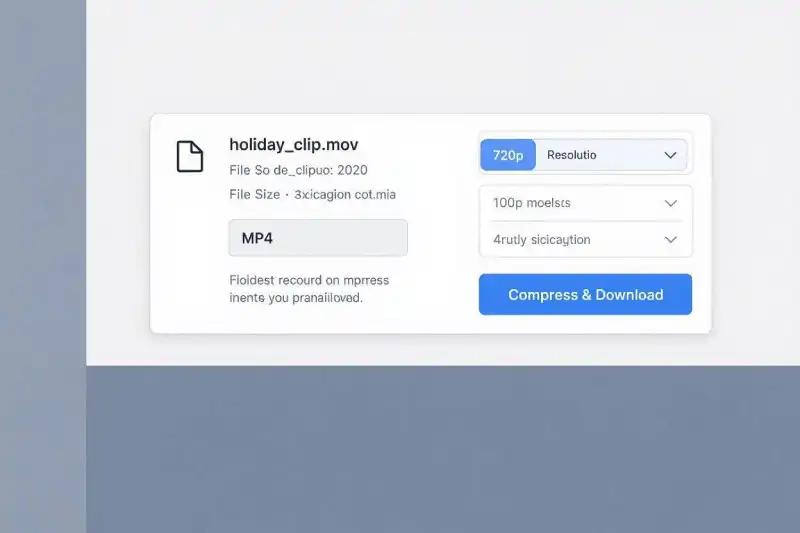
How to Compress Video for Email Free in 3 Simple Steps
You can lower video file sizes directly in your web browser using our Free Online Video Converter.
Step 1: Upload Video ➔ Step 2: Select MP4 & Lower Resolution ➔ Step 3: Compress & Download
Step 1: Upload Your Video File
Open the Free Video Converter Tool and drag your video file directly into the upload area.
Step 2: Select MP4 Output and Lower Resolution
Select MP4 as your target output format. To fit under the 20MB or 25MB email limit, adjust the output resolution setting from 1080p down to 720p or 480p.
Step 3: Compress and Download
Click Convert. Once cloud processing finishes, click Download to save the email-ready file to your computer or phone.
Technical Settings to Compress Video for Email Free
When shrinking a clip for email delivery, choosing the right technical parameters guarantees maximum compatibility across various email apps and operating systems:
| Parameter | Recommended Setting | Reason for Setting |
| Video Codec | H.264 | Maximum visual quality at low bitrates; compatible with all email clients. |
| Audio Codec | AAC (128 kbps) | Retains clear stereo audio while taking up minimal file space. |
| Target Resolution | 1280×720 (720p) or 854×480 (480p) | Dramatically reduces file size while maintaining excellent quality on mobile and desktop screens. |
For full specifications on digital container standards and cross-platform playback compatibility, refer to the Apple Developer Media Encoding Standards. If you need assistance selecting the ideal format for cross-platform sharing, explore our breakdown on MOV vs MP4: Which Format Should You Use?.
Frequently Asked Questions
What is the maximum video file size I can send via email?
Most standard email services (including Gmail, Yahoo, and Apple Mail) limit total attachment sizes to 25MB. Microsoft Outlook caps attachments at 20MB.
How do I compress video for email free without losing quality?
Using H.264 encoding and scaling the resolution down from 1080p to 720p or 480p cuts file size by over 60% without noticeable pixelation on mobile or desktop inbox screens.
Can I compress videos for email on an iPhone or Android device?
Yes. Because our conversion tool runs completely in web browsers like Chrome, Safari, and Firefox, you can compress files directly on mobile devices without installing third-party apps.