How to Compress Video for WhatsApp Free Online
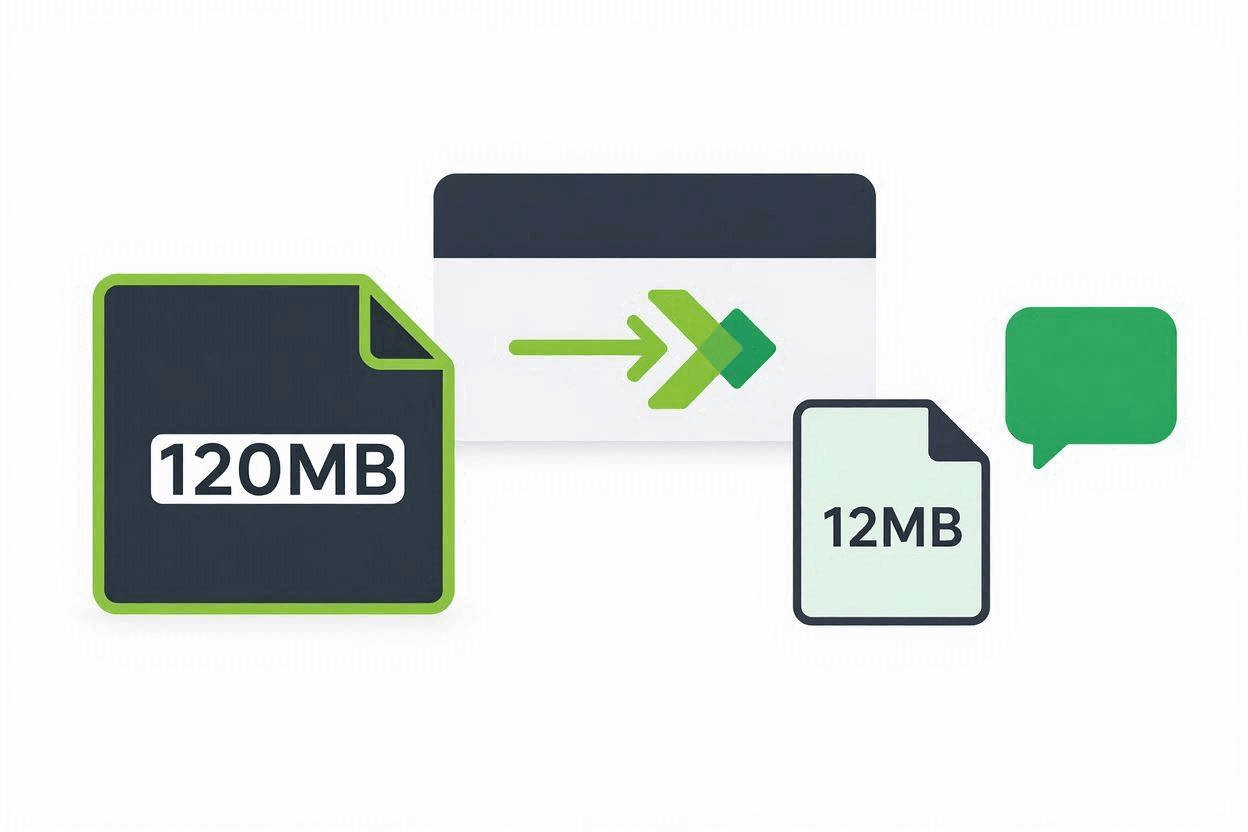
Trying to send a video clip on WhatsApp only to see a message saying your file is too large? Learning how to compress video for whatsapp free is the ultimate solution to shrink oversized media files so they upload instantly without getting trimmed or rejected.
WhatsApp enforces strict file size boundaries for regular chat attachments and status updates. High-definition 1080p and 4K clips recorded on modern smartphones quickly cross these file caps. Fortunately, you can reduce video file sizes directly in your browser without installing third-party apps or paying for premium editing software.
In this guide, you will learn the exact steps to shrink your video files while keeping visual clarity high and audio clear.
Why You Need to Compress Video for WhatsApp Free
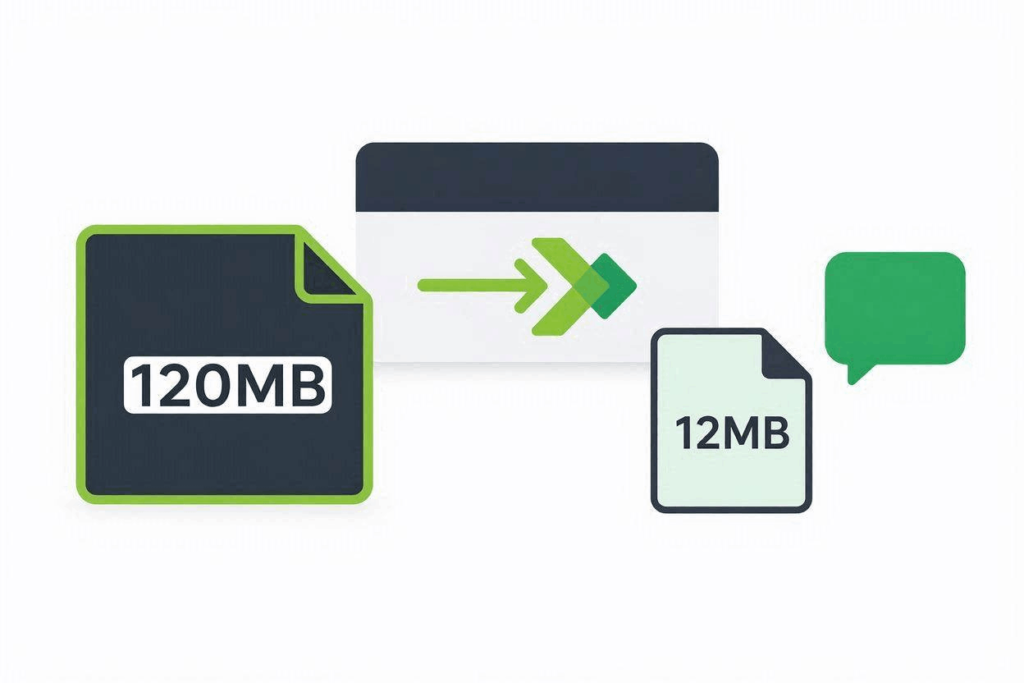
WhatsApp limits media upload sizes to save cellular data usage, preserve phone storage, and ensure rapid message delivery across mobile networks.
- Chat Media Limit: WhatsApp caps standard video attachments sent through chat windows at 16MB.
- Document Attachment Workaround: Sending files as raw “Documents” allows up to 2GB, but recipients cannot preview or stream the video inline without downloading the entire file.
- WhatsApp Status Limit: Videos posted to WhatsApp Status are limited to 30 seconds and capped at 16MB.
When your media file exceeds these parameters, the app forces you to crop the video length or blocks the upload entirely. To review official attachment guidelines, consult the WhatsApp Help Center File Upload FAQ.
For tips on fitting media into other popular chat applications, explore our guides on How to Compress Video for Discord Free and How to Compress Video for Email Free.
How to Compress Video for WhatsApp Free in 3 Simple Steps
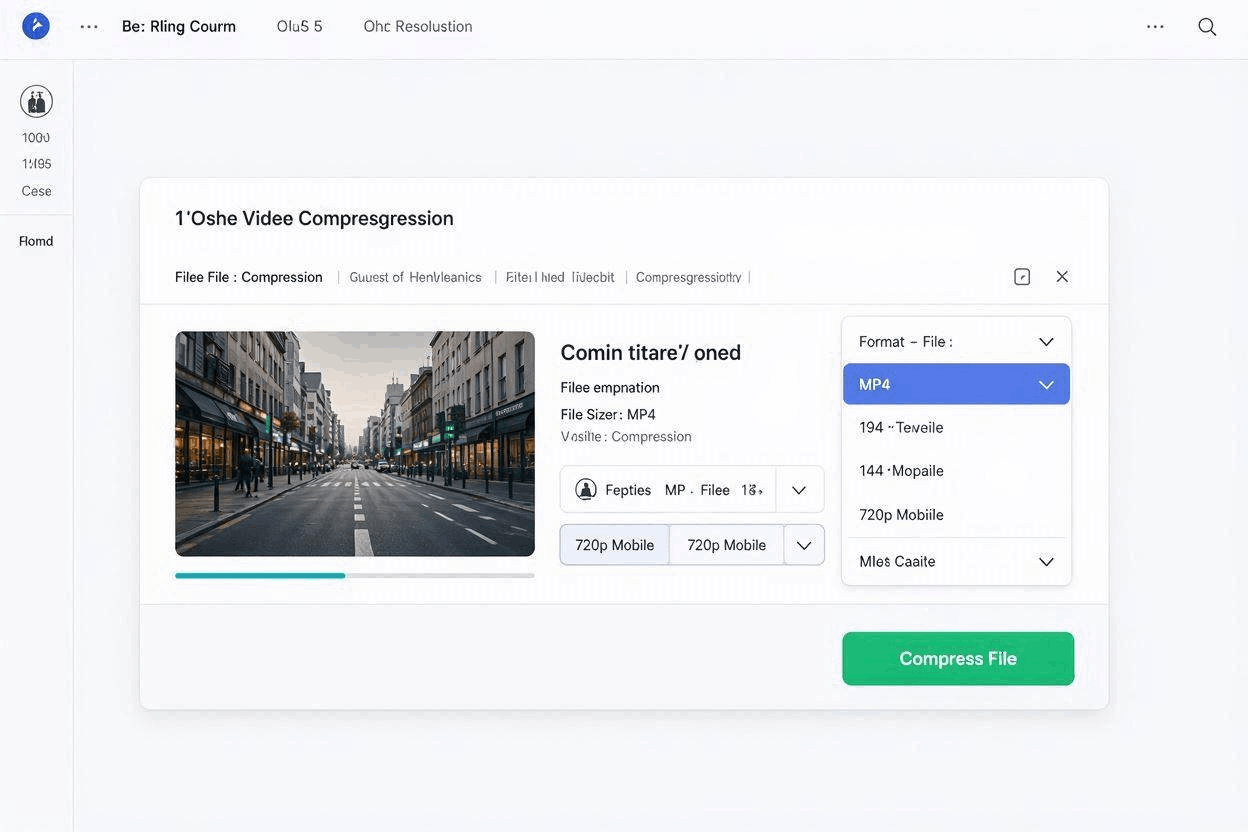
You can lower video file sizes directly in your web browser using our Free Online Video Converter.
Step 1: Upload Video ➔ Step 2: Select MP4 & Adjust Resolution ➔ Step 3: Compress & Download
Step 1: Upload Your Video File
Open the Free Video Converter Tool and drag your video file directly into the upload drop box.
Step 2: Select MP4 Output and Adjust Resolution
Select MP4 as your destination file format. To fit comfortably under the 16MB WhatsApp threshold, change the output resolution from 1080p down to 720p or 480p.
Step 3: Compress and Download
Click Convert. Once cloud processing finishes, click Download to save the compressed file back to your iPhone, Android, or desktop computer.
Technical Settings to Compress Video for WhatsApp Free
When shrinking a video for WhatsApp, applying technical configuration settings ensures your clip plays smoothly across both Android and iOS devices:
| Parameter | Recommended Setting | Reason for Setting |
| Video Codec | H.264 | Delivers the best image clarity at low file bitrates; supported natively by iOS and Android. |
| Audio Codec | AAC (128 kbps) | Maintains crisp voice and background sound while taking up minimal file bytes. |
| Target Resolution | 1280×720 (720p) or 854×480 (480p) | Reduces raw file size by 60% to 80% with almost no perceived visual loss on mobile screens. |
For detailed technical specifications on H.264 video container formatting, refer to the Apple Developer Media Encoding Standards. If you also need help choosing between raw camera formats, check out our technical comparison on MOV vs MP4: Which Format Should You Use?.
Frequently Asked Questions
What is the maximum video file size for WhatsApp chats?
The standard file size limit for video attachments sent directly through WhatsApp chat windows or Status updates is 16MB.
How do I compress video for WhatsApp free without losing quality?
Converting your video using H.264 encoding and lowering resolution from 1080p to 720p cuts file size drastically while retaining clean visual fidelity on smartphone displays.
Can I compress videos for WhatsApp on mobile devices?
Yes. Because our converter runs completely in web browsers like Safari, Chrome, and Firefox, you can compress clips directly on iOS and Android phones without downloading extra mobile applications.